KO FPV
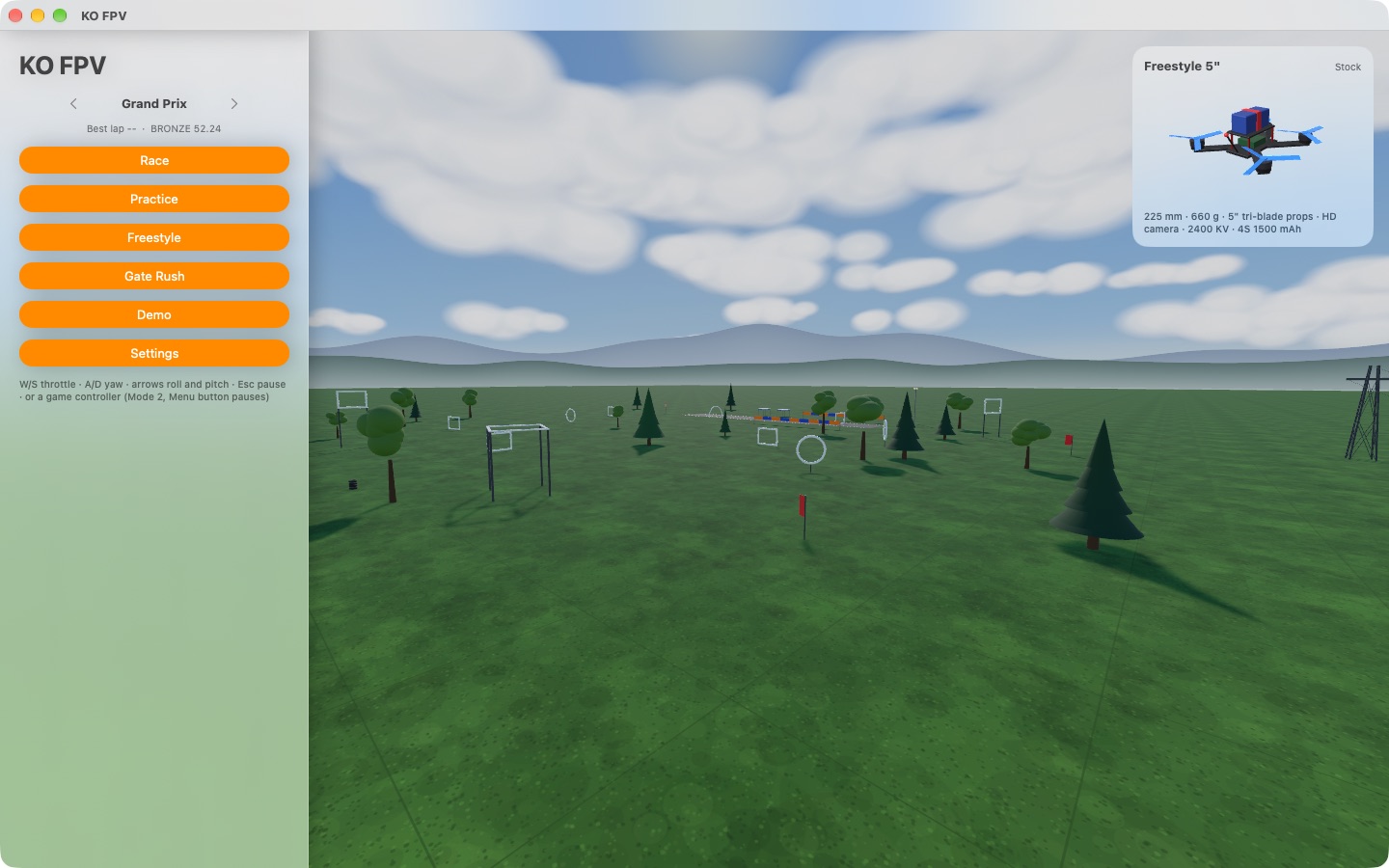
Fly a racing quad from its own camera, the way FPV pilots do through their goggles. Thread the gates, race AI pilots and learn the sticks before you crash a real quad.


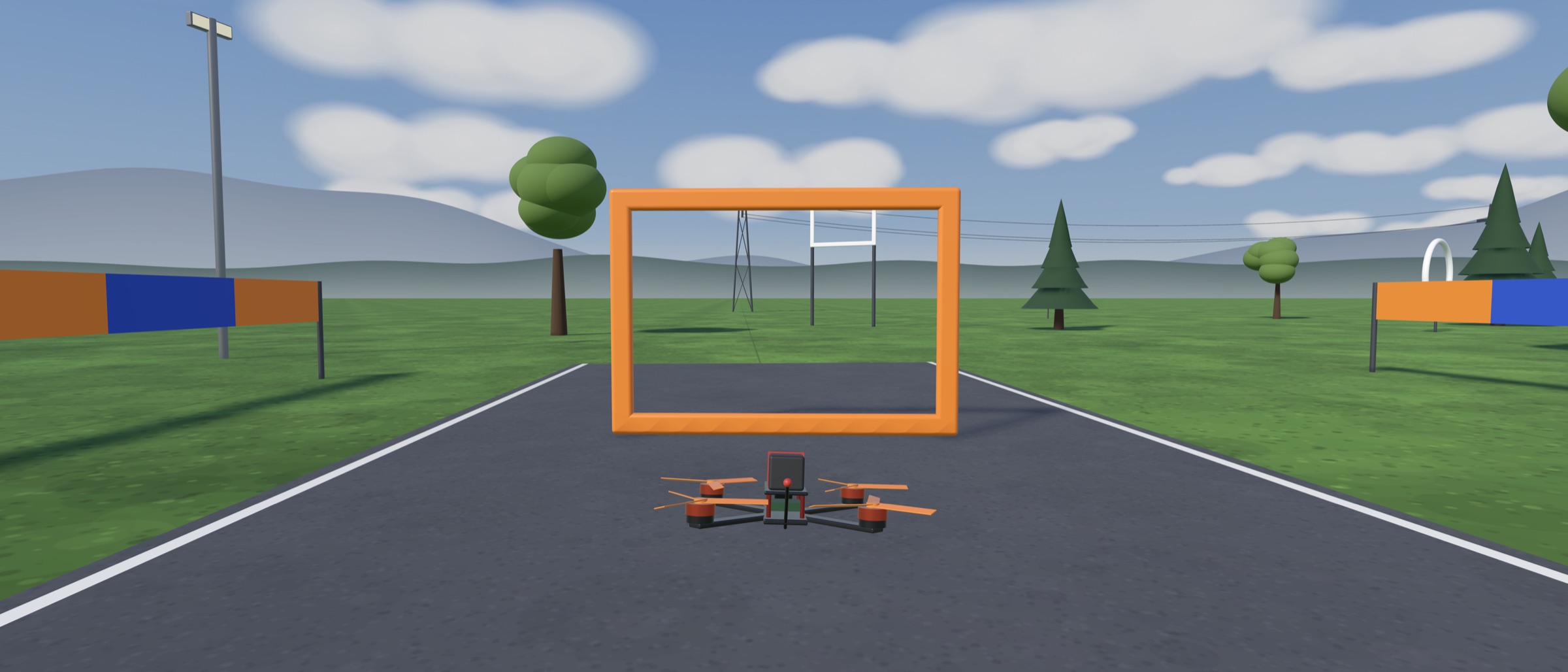
Flies like the real thing.
KO FPV's flight model is fitted to detailed models of real quads, so what you learn here is what a real quad does. Tip forward and part of the thrust pushes you along; there's little drag, so you keep going until you stop yourself.
Fly in Acro, the way racers do, where the stick sets how fast you rotate, or in Angle mode, which levels itself while you learn. Hit something hard and the flight is over.
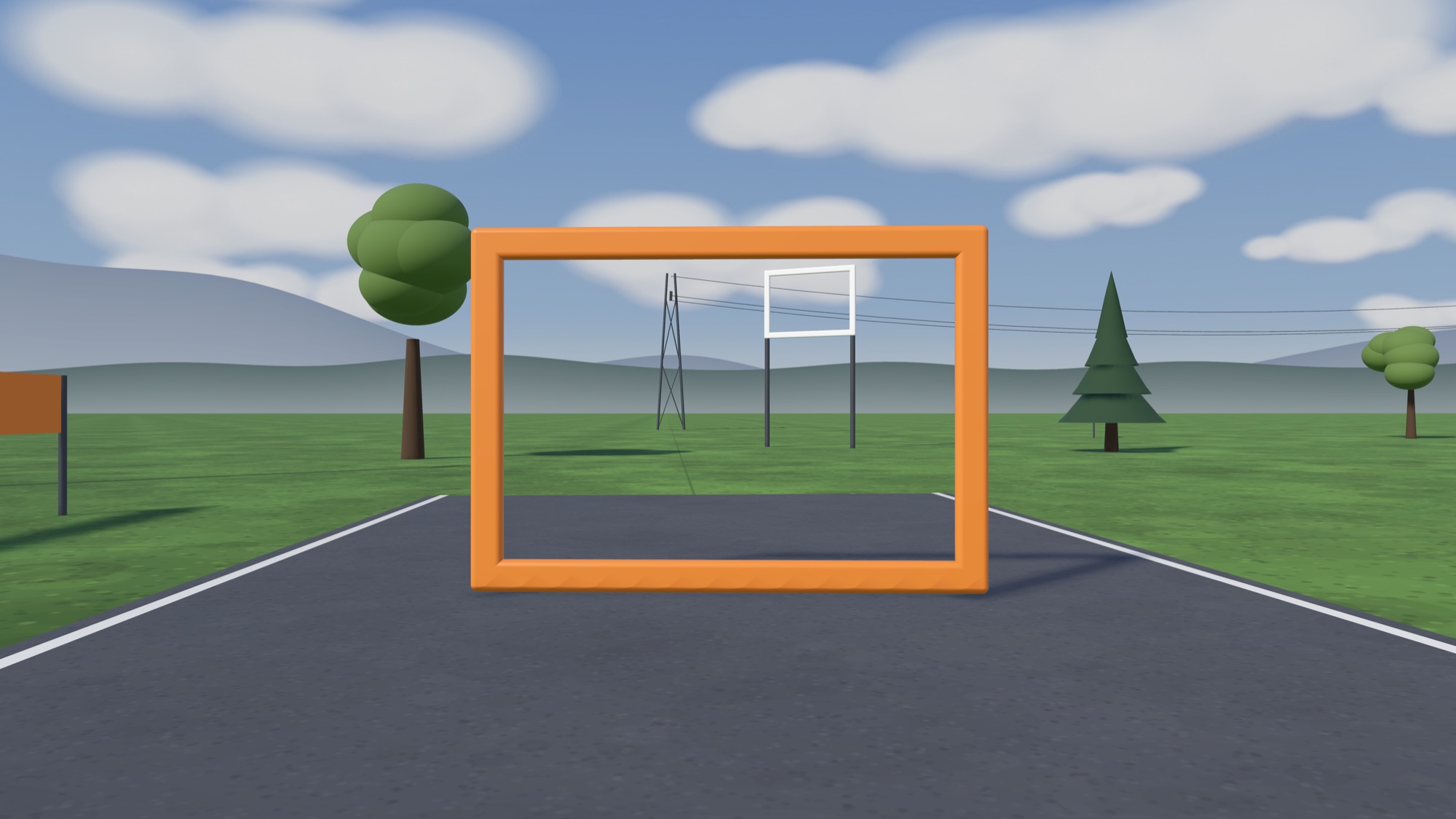
Everything a new FPV pilot needs
Real flight physics
A flight model fitted to detailed models of real quads: thrust that fades as you climb, translational lift, ground effect, prop wash, wind and battery sag, 80 times a second.
Learn the sticks
A guided demo flies every move for you, from take-off and hover to a banked turn, a flip and a full lap, and shows both sticks as it moves them.
Five quads, in 3D
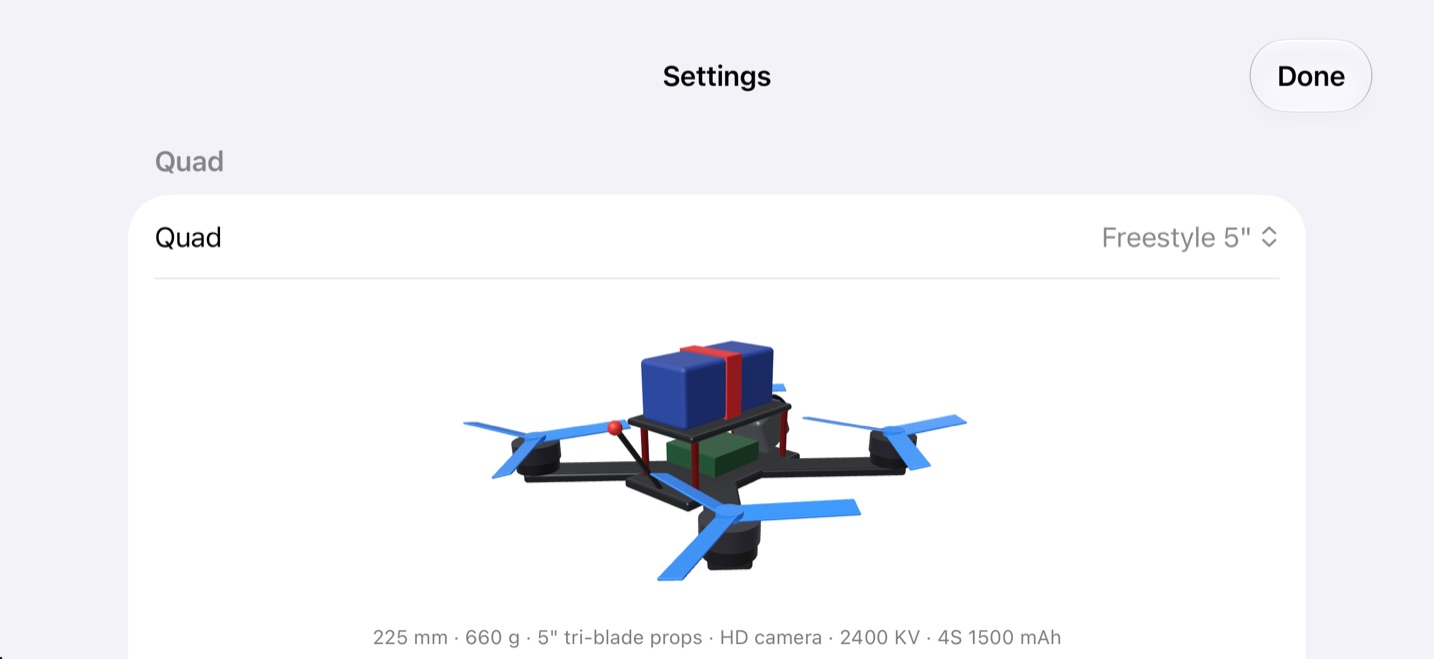
A 5-inch racer and freestyler, a 3-inch toothpick and two whoops, each with its own thrust, weight and handling. See the one you'll fly turn in 3D.
Race, practice, freestyle
Race up to three AI pilots, chase Bronze, Silver and Gold lap times, score tricks in Freestyle, or beat the clock in Gate Rush.
Fly your way
On-screen joypads on iPhone and iPad, the keyboard on Mac, a game controller anywhere, and on Mac even your RC radio in USB joystick mode.
Bring your tracks
Import tracks made in StickTime's track editor, and export any track to fly it in StickTime on an EdgeTX radio. Each one keeps its own best times.
A lap, a lesson, a race
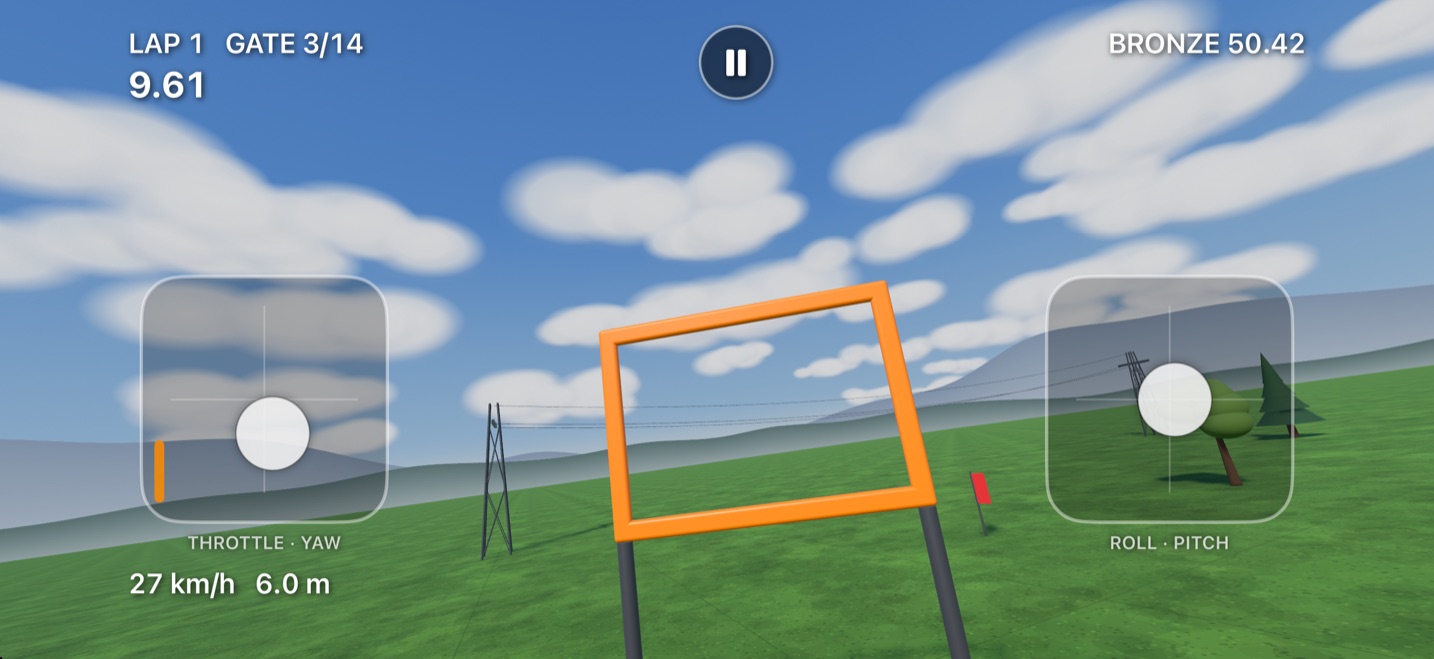
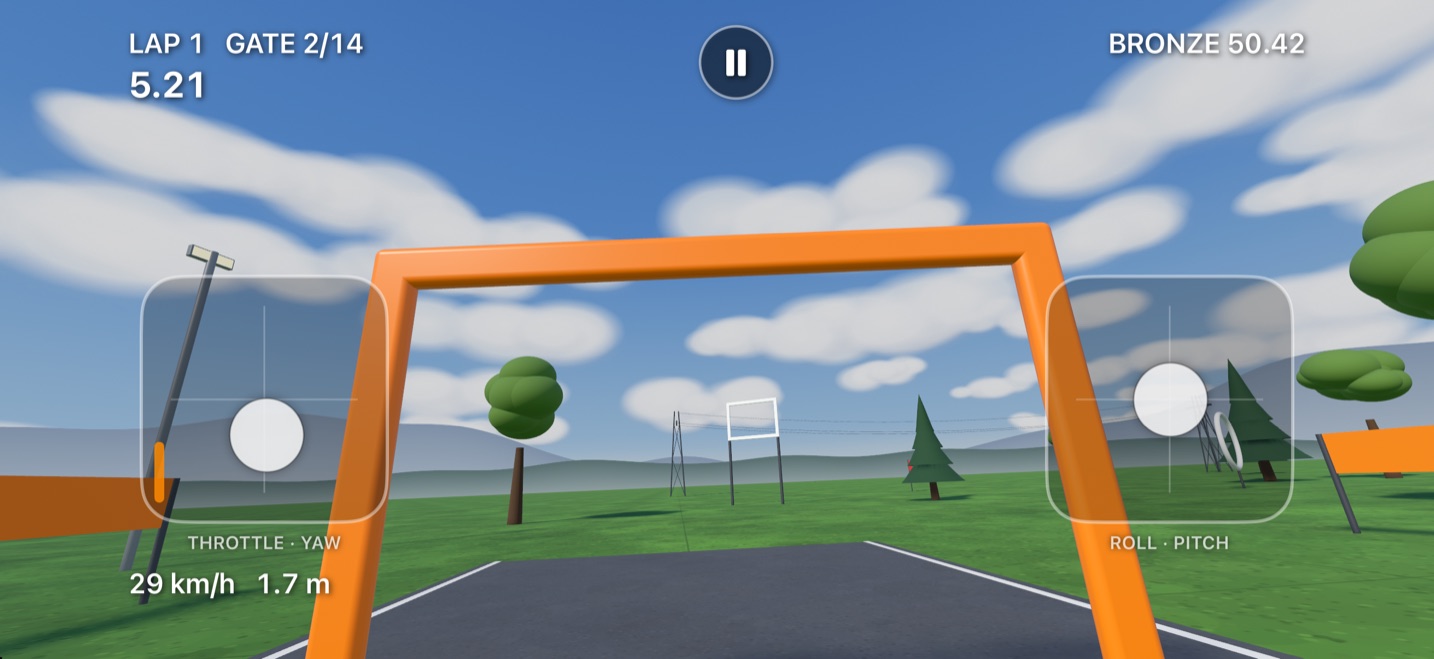
Down the Grand Prix straight, round a lap with the guided demo showing the sticks, then a race against AI pilots, all on iPhone.
Gates, hoops, dive gates and flags
Race
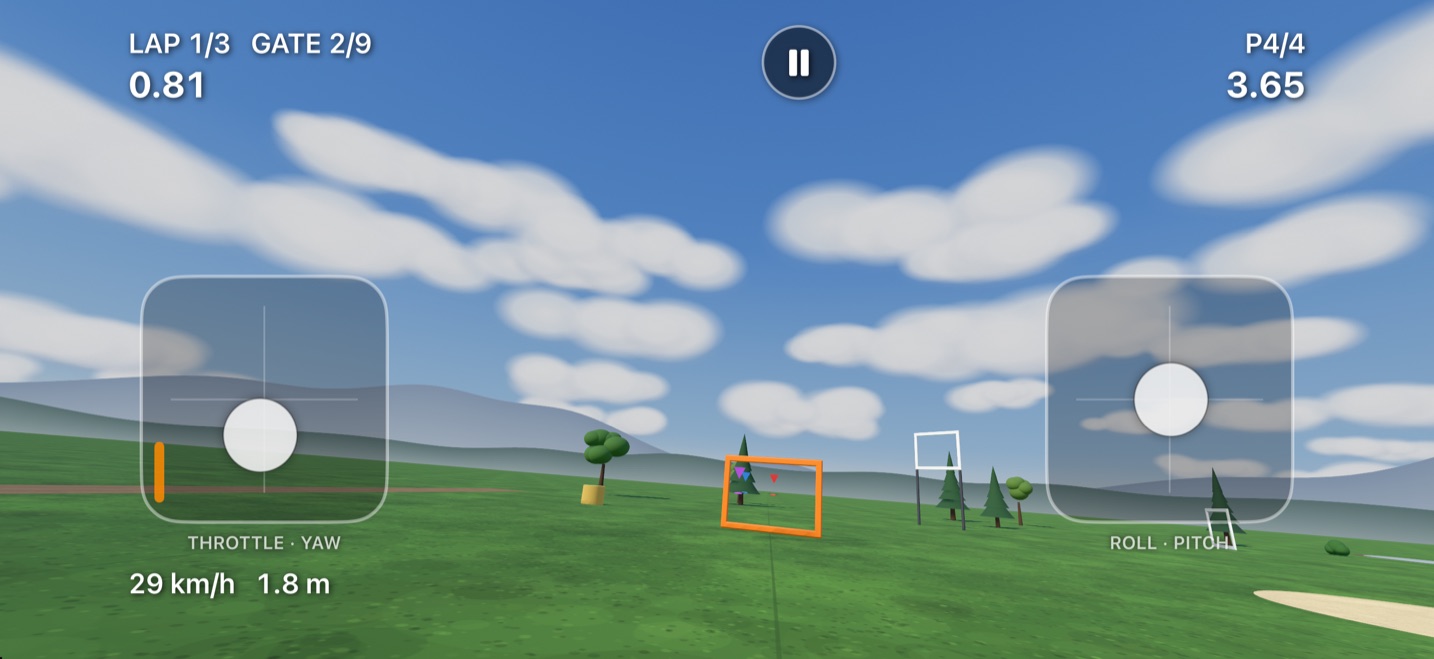
One to ten laps against Easy, Medium or Hard AI pilots. Your position shows at the top right.
Practice
Fly laps on your own. Each track's medal times are the laps of the Easy, Medium and Hard AI pilot with your quad.
Freestyle
Rolls, flips, power loops, dives, hang time, proximity and gaps, chained into combos. Fly under a power line for UNDER.
And Gate Rush: 30 seconds on the clock, a random next gate, and every gate you fly through buys you more time.
Fly anywhere
Fly with your thumbs on iPhone and iPad, or with the keyboard, a gamepad or your own radio on a Mac. Every track and every quad come with you.
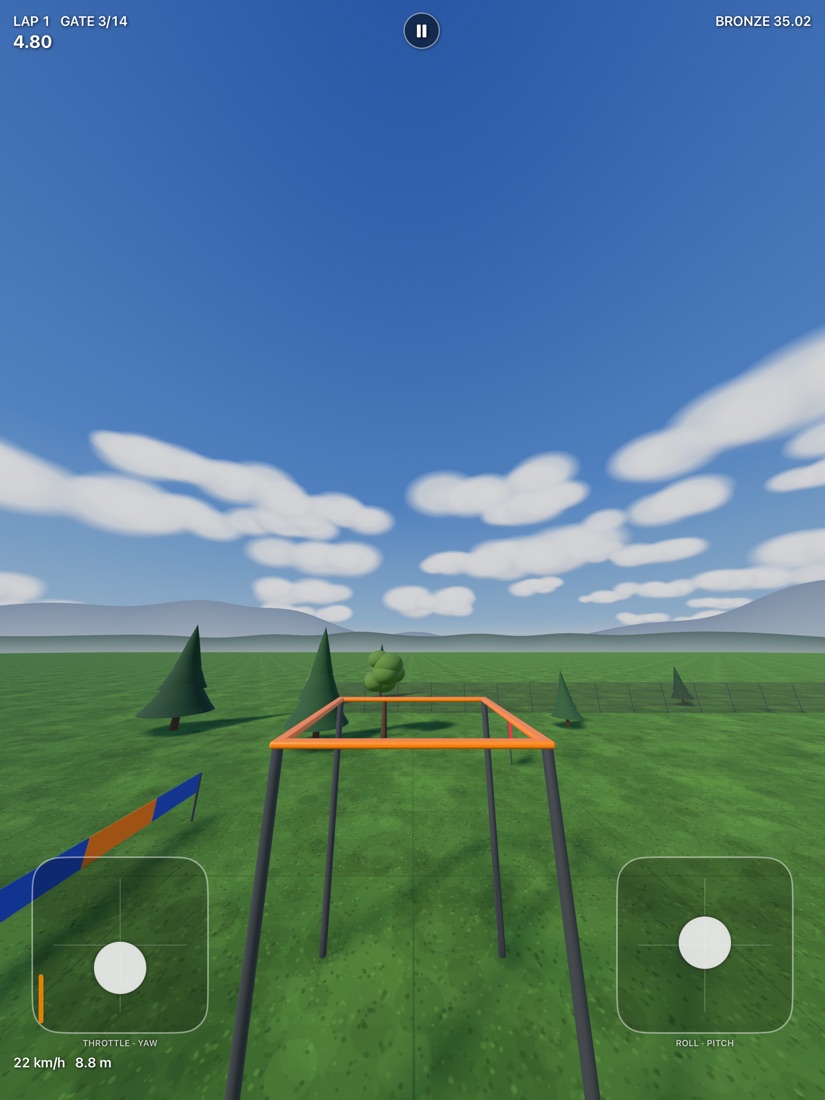
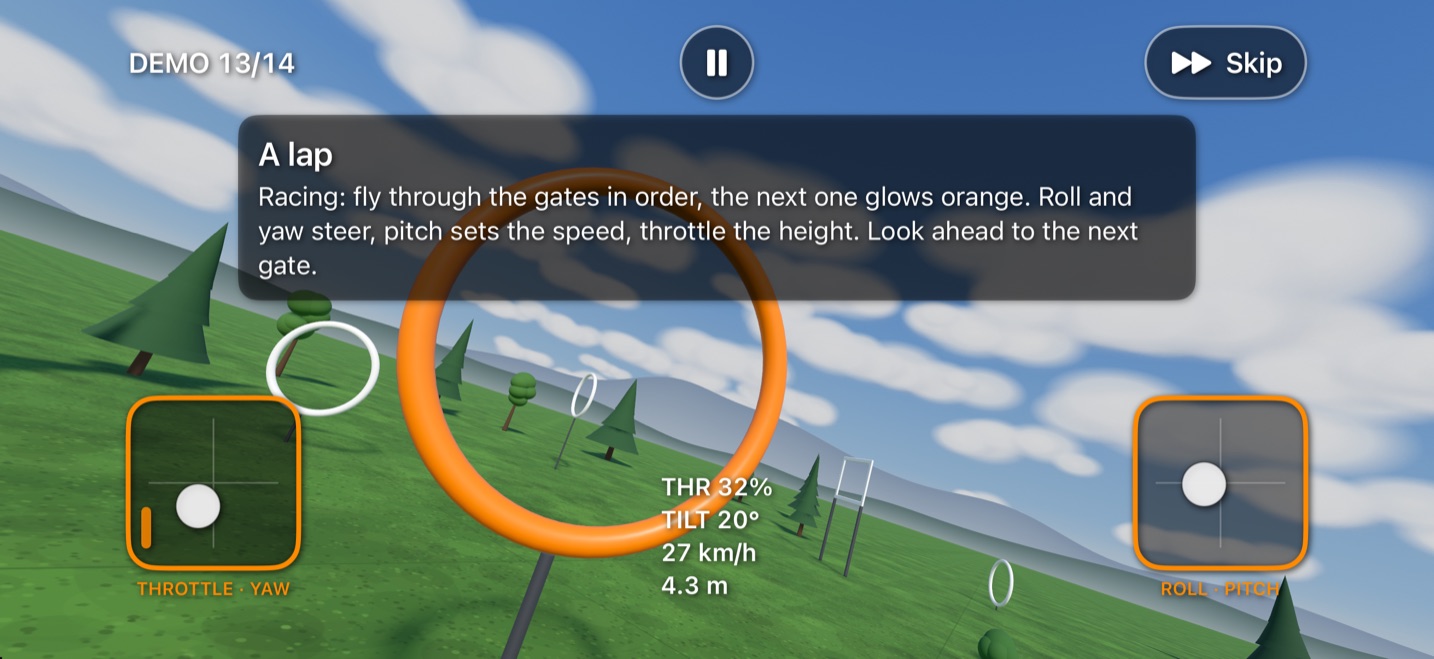
Throttle and yaw left, roll and pitch right
Mac keyboard
| W / S | Throttle up and down (it stays put) |
| A / D | Yaw left and right |
| ← → | Roll |
| ↑ ↓ | Pitch (up is nose down) |
| ESC / P | Pause |
| ⌘ , | Settings |
iPhone & iPad joypads
| LEFT PAD | Throttle up and down, yaw sideways |
| RIGHT PAD | Roll sideways, pitch up and down |
| THROTTLE | Stays where you leave it, like a radio |
| ANYWHERE | Put your thumb anywhere on a pad |
| ⏸ | Pause and the main menu |
Controllers & radios
| LEFT STICK | Throttle and yaw (Mode 2) |
| RIGHT STICK | Roll and pitch |
| MENU | Pause |
| MAC: JOYSTICK | Any USB or Bluetooth joystick |
| MAC: RC RADIO | EdgeTX or OpenTX in USB joystick mode |
Stick expo and Soft, Normal or Fast rates tune the feel, and a built-in Help guide covers the controls, the game modes and the settings.
Ready to fly?
No ads, no accounts, no tracking. Just you, the sticks and the next gate.