
PulseQSO
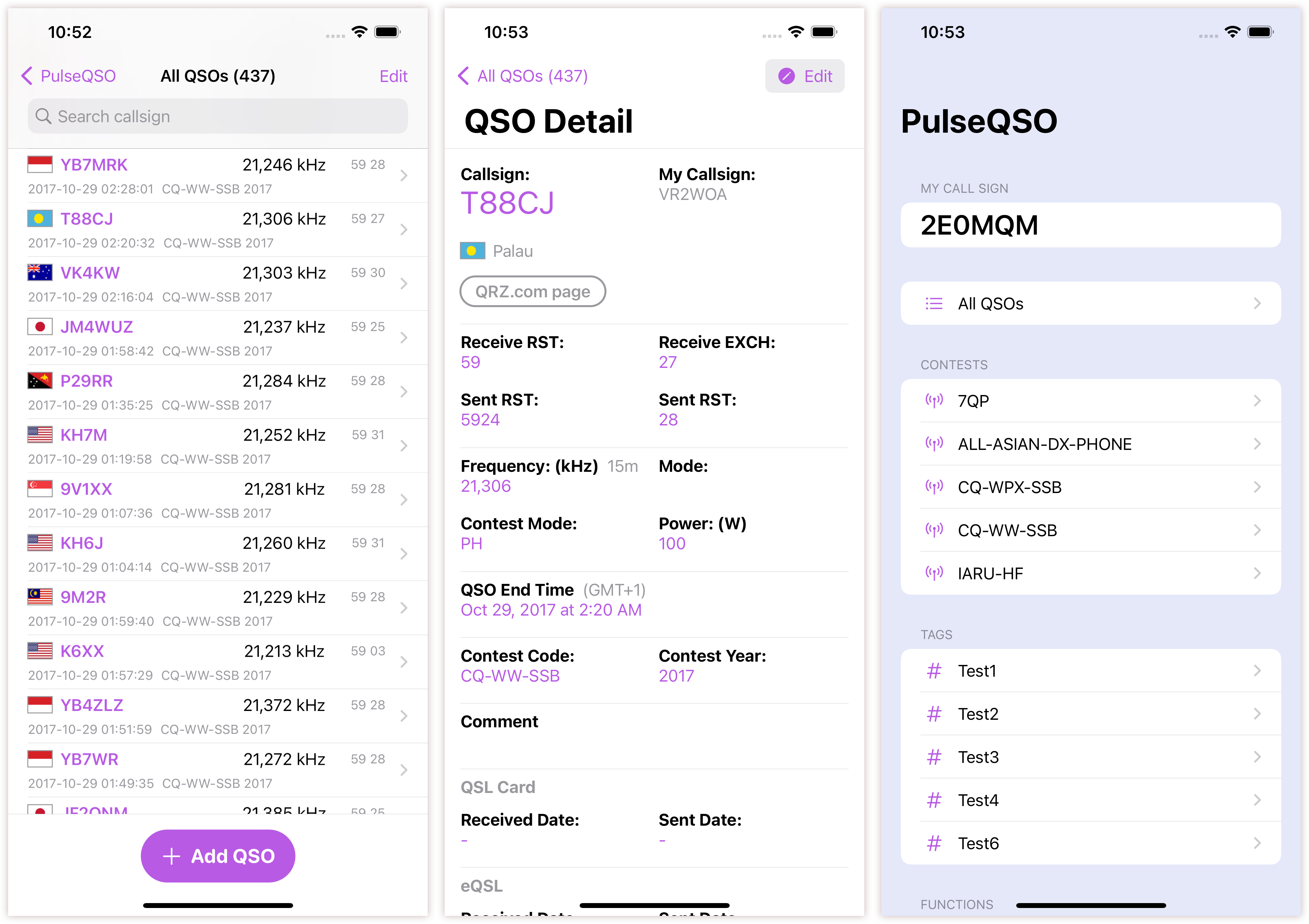
PulseQSO is a new Mac, iOS and iPadOS app that logs amateur radio contacts.
Licensed radio amateurs around the world can utilize the short wave radio spectrum, to reach each other. After radio amateurs make a QSO communication, QSL cards can then be exchanged. We usually exchange callsigns and RST codes.
The PulseQSO app is written in the latest SwiftUI 2.0 framework, and it is available on iOS, iPadOS and macOS.


Instant iCloud sync support for multiple devices
The PulseQSO uses Apple's iCloud to store all the app's data, keeping everything updated across multiple devices.
All data is securely stored only on the device user's iCloud account. No data is stored anywhere else.
Data Export features coming soon!

Core Functionalities
iCloud Sync with multiple devices
Contest Logging
Quick Search with Filters
Troubleshoot iCloud sync problems
You might have occassional problems with the iCloud sync with different devices. Here are some suggestions on how to fix it.
Quit the app on Mac
You might try quitting the Uptime Sync app on Mac and re-open it.
Rebooting the device
Reboot your iOS, iPad and Mac usually fix most of the minor issues.
Make sure you Sign-in to the iCloud, with the same account
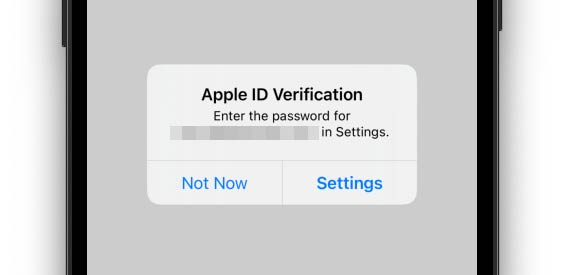
Please sign-in to the iCloud. On iOS and iPadOS, click "Settings" and then "iCloud", and make sure the account is the same, on all of your devices.
Your iCloud credentials might need to be re-entered occassionally. Please do so with the prompt on your device.
Enable cellular data
If you encounter trouble syncing iCloud data without wifi, go to "Settings" on iOS and iPadOS, and click "Cellular" to enable data.
Make sure iCloud and your devices aren't low on space
If your iCloud or devices are low on space, syncing between devices will have issues.
Last step: turn iCloud off and on for Uptime Sync
Turning iCloud off and on is the last step at trouble shooting iCloud sync issues.
Go to the "Settings" on iOS and iPadOS, and scroll down to the Uptime Sync. Toggle the switch once.
Please bear in mind that iCloud is a cloud services provided by Apple. Pulsely does not have any control with the service availabilities.