QualityReducer
Make photos and PDFs small enough for email, websites and messaging. Drop them on QualityReducer, pick a quality, and get compact copies a moment later. Nothing ever leaves your Mac.

Three steps, no settings maze
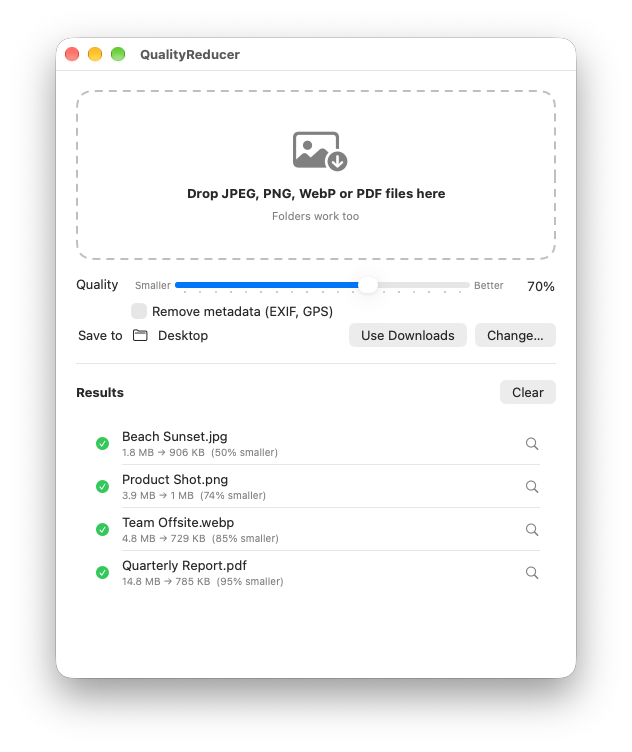
Drop your files
Drag images, PDFs or whole folders onto the window, or straight onto the QualityReducer icon in the Dock.
Pick a quality
One slider from 10% to 100%. Lower quality means smaller files, and the app remembers your choice.
Get smaller copies
Beach.png becomes Beach-q70.jpg in the folder you chose. Your originals are never changed.
One slider, the right size
JPEG, PNG and WebP images become JPEGs at the quality you pick. Photos keep their orientation, and the built-in help explains which quality suits which job.
- 80–90% for photos where detail matters, like printing
- 60–75% for websites, email and messaging
- 30–50% for thumbnails and attachments where size matters most
- See each file’s old size, new size and how much you saved
A 15 MB report, ready for email
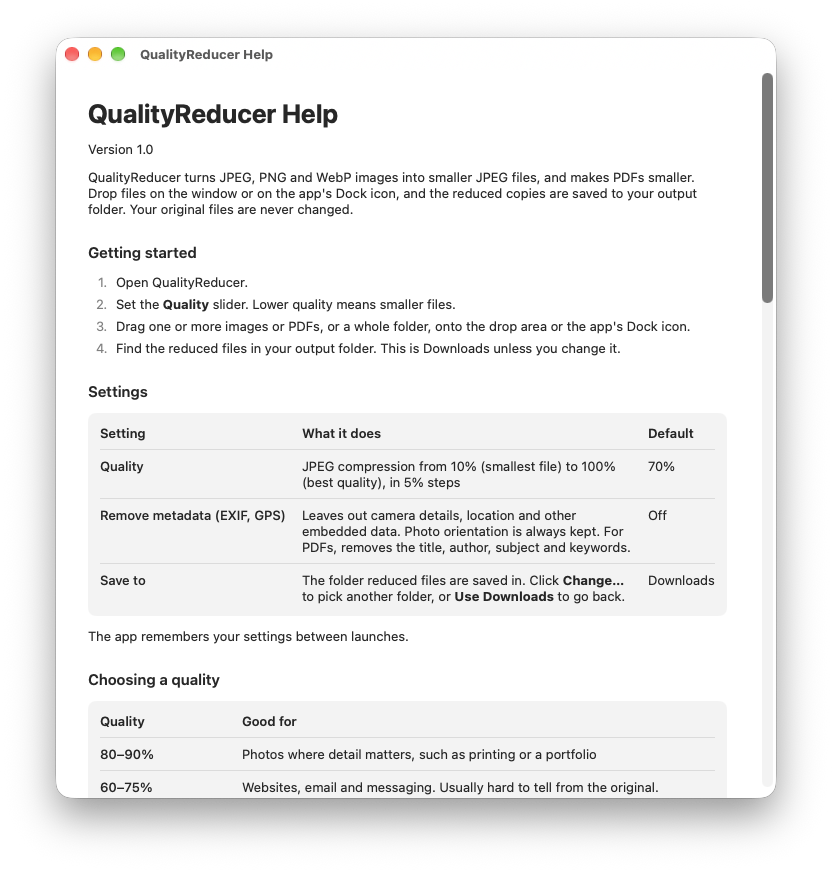
QualityReducer recompresses and scales down the images inside a PDF, and leaves everything else alone. The same slider also sets how sharp those images stay.
- Text and drawings stay sharp, and text stays searchable
- Scans and photo-heavy PDFs shrink the most
- Password-protected and signed PDFs are left alone, so signatures stay valid
Built to stay out of your way
Batches and folders
Drop dozens of files at once, or a folder. Images and PDFs inside it, including subfolders, are found automatically.
Drop on the Dock icon
No need to open the window first. Drop files on the Dock icon and they’re reduced with your usual settings.
Never overwrites
If photo-q70.jpg already exists, the new file becomes photo-q70-1.jpg. Nothing you have is ever replaced.
Clean transparency
JPEG has no transparency, so see-through areas in PNG and WebP images are filled with white instead of black.
Remove metadata
One switch leaves out camera details, GPS location and PDF author information before you share.
Honest results
If a file would come out bigger, for example a PDF that’s mostly text, QualityReducer tells you so.
Everything happens on your Mac
Your photos and documents are reduced locally. QualityReducer can’t send your files anywhere, because it never connects to the internet.
- No internet access at all
- No accounts, ads or tracking
- No data collected, ever
- Your files never leave your Mac
Good to know
Which formats does QualityReducer support?
JPEG, PNG and WebP images are saved as smaller JPEG files. PDFs are saved as smaller PDFs. HEIC, GIF, TIFF and RAW files aren’t supported.
Where do the reduced files go?
Into your Downloads folder, or any folder you choose once in the app. Each file is named after the original plus the quality, like Beach-q70.jpg, and existing files are never overwritten.
Why didn’t my PDF get smaller?
QualityReducer makes PDFs smaller by compressing the images inside them. A PDF that is mostly text is already compact, so there’s little to gain. The app shows a warning, and you can simply keep the original.
Will the text in my PDFs still be searchable?
Yes. Only the images inside the PDF are recompressed. Text, fonts and drawings are left exactly as they are.
Can it reduce password-protected or signed PDFs?
No. Password-protected PDFs can’t be read without the password, and changing a digitally signed PDF would invalidate its signature, so QualityReducer leaves both alone and tells you why.
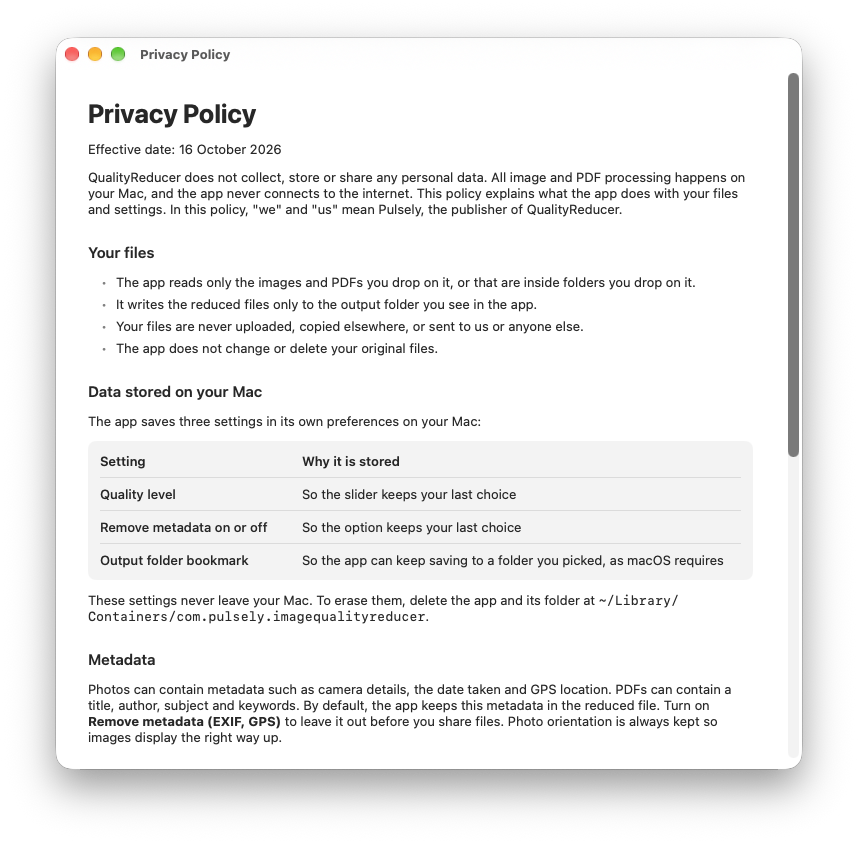
Does QualityReducer upload my files anywhere?
No. Everything happens on your Mac, and the app has no internet access at all. See the privacy policy for details.
Drop it. Shrink it. Send it.
QualityReducer for Mac. No accounts, no ads, no tracking. Just smaller files.